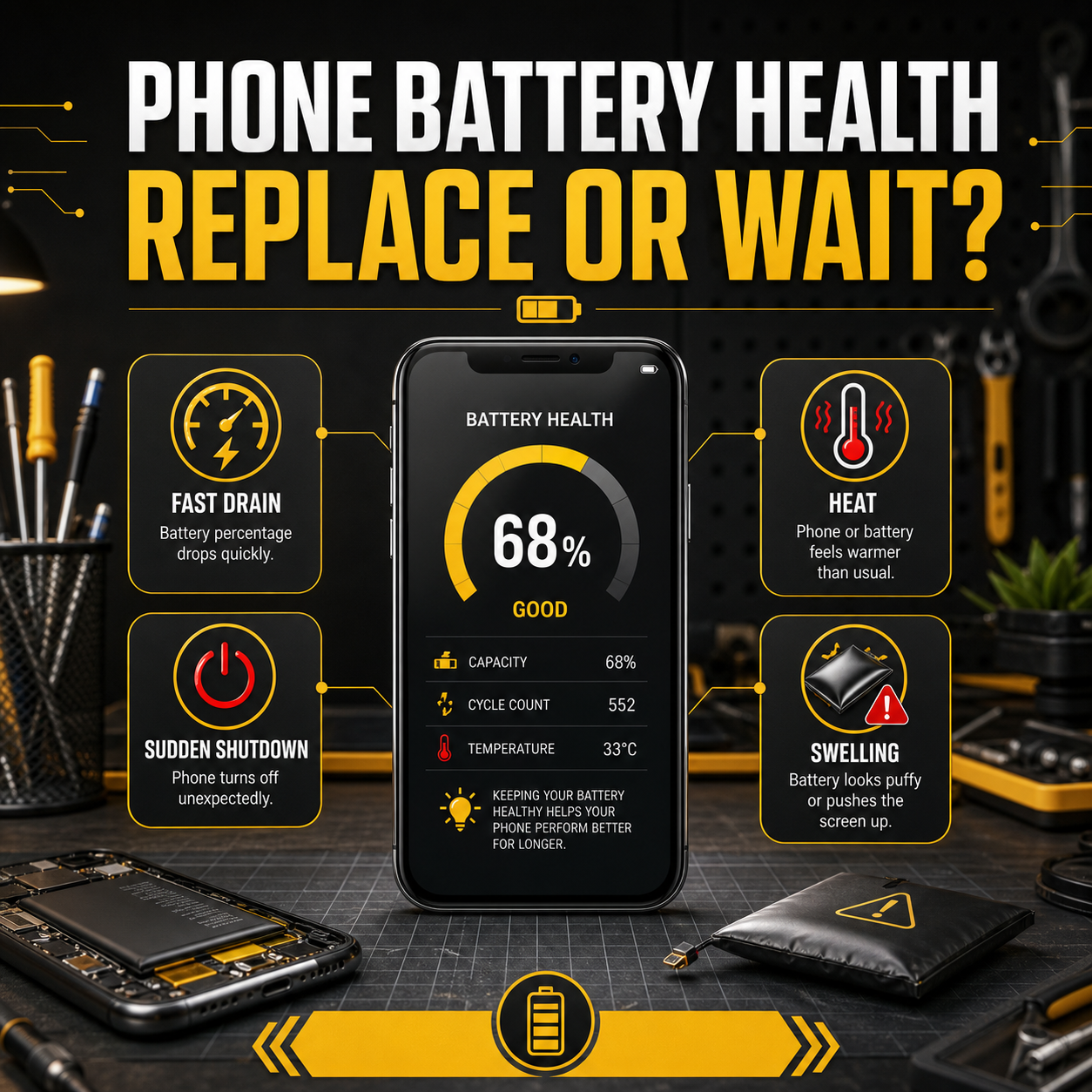
Every lithium-ion battery is a consumable. It degrades through ordinary use, not through any fault of yours or the manufacturer’s, and after roughly two years of daily charging most phones have lost enough capacity for it to show. The useful question is not whether the battery has degraded — it has — but whether it has degraded enough to be worth replacing.
The symptoms that matter more than the percentage
On an iPhone, Settings › Battery › Battery Health gives you a maximum capacity figure, and below about 80% Apple itself treats the battery as consumed. Android brands vary in what they expose, and a repair shop can read the real cycle count and capacity in a couple of minutes with a diagnostic tool.
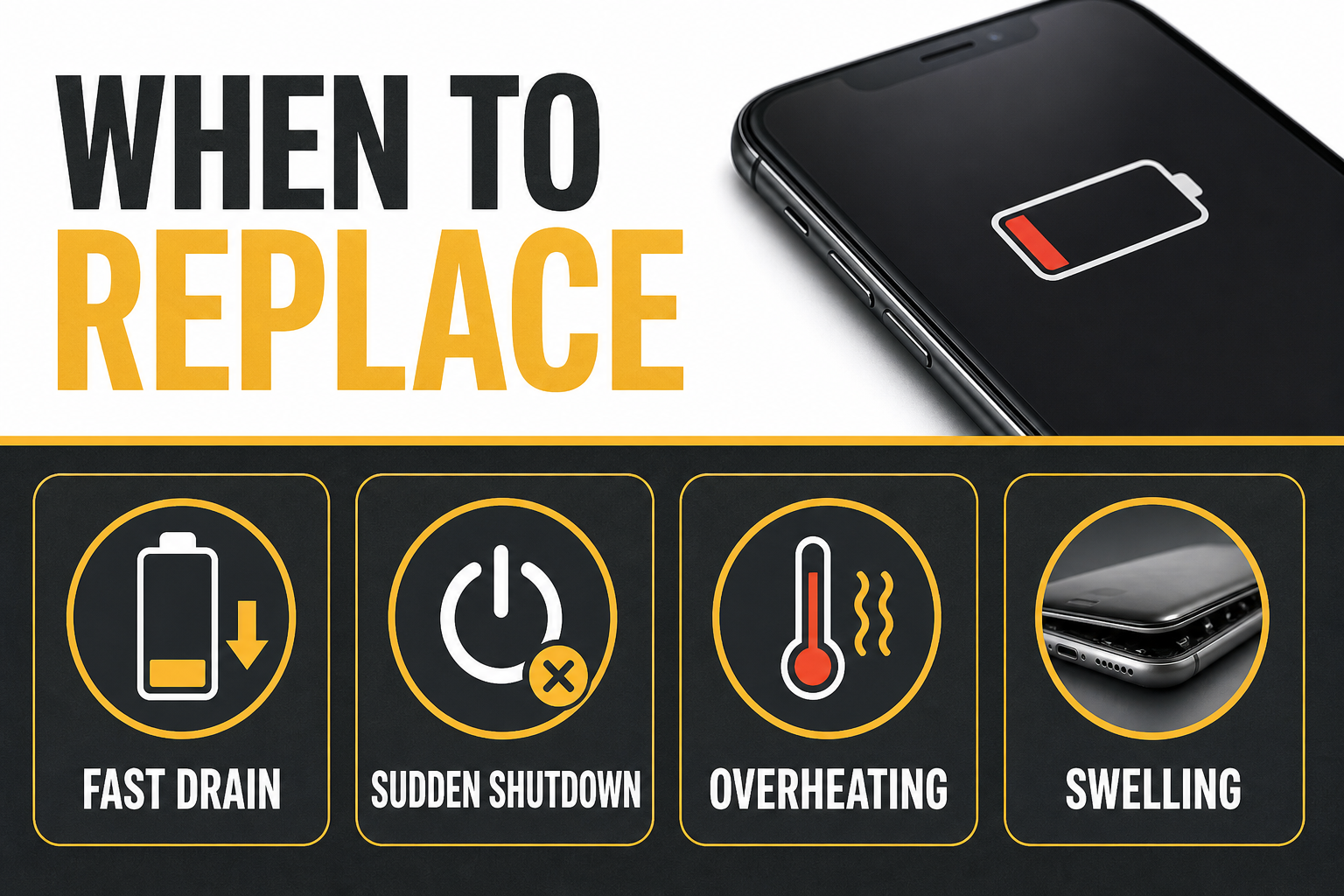
But the reported figure is a software estimate, and it can be optimistic. These symptoms are more reliable:
- Shutdowns above zero. The phone dies at 20%, or 30%, and then reports charge again once plugged in. This is the clearest sign of a battery that can no longer deliver current under load.
- Percentage that drops in jumps. 60% to 40% in a minute, then stable for an hour. The gauge has lost track of a cell whose behaviour is no longer predictable.
- Heat during ordinary use. Not gaming or navigation — just messaging and browsing.
- Visible sluggishness. Phones deliberately throttle performance to avoid shutdowns when the battery cannot supply peak current. A worn cell genuinely does make a phone feel slow.
- Tethered to a charger. If you cannot get through a working day without topping up, the battery is dictating your behaviour.
Swelling is different — deal with it now
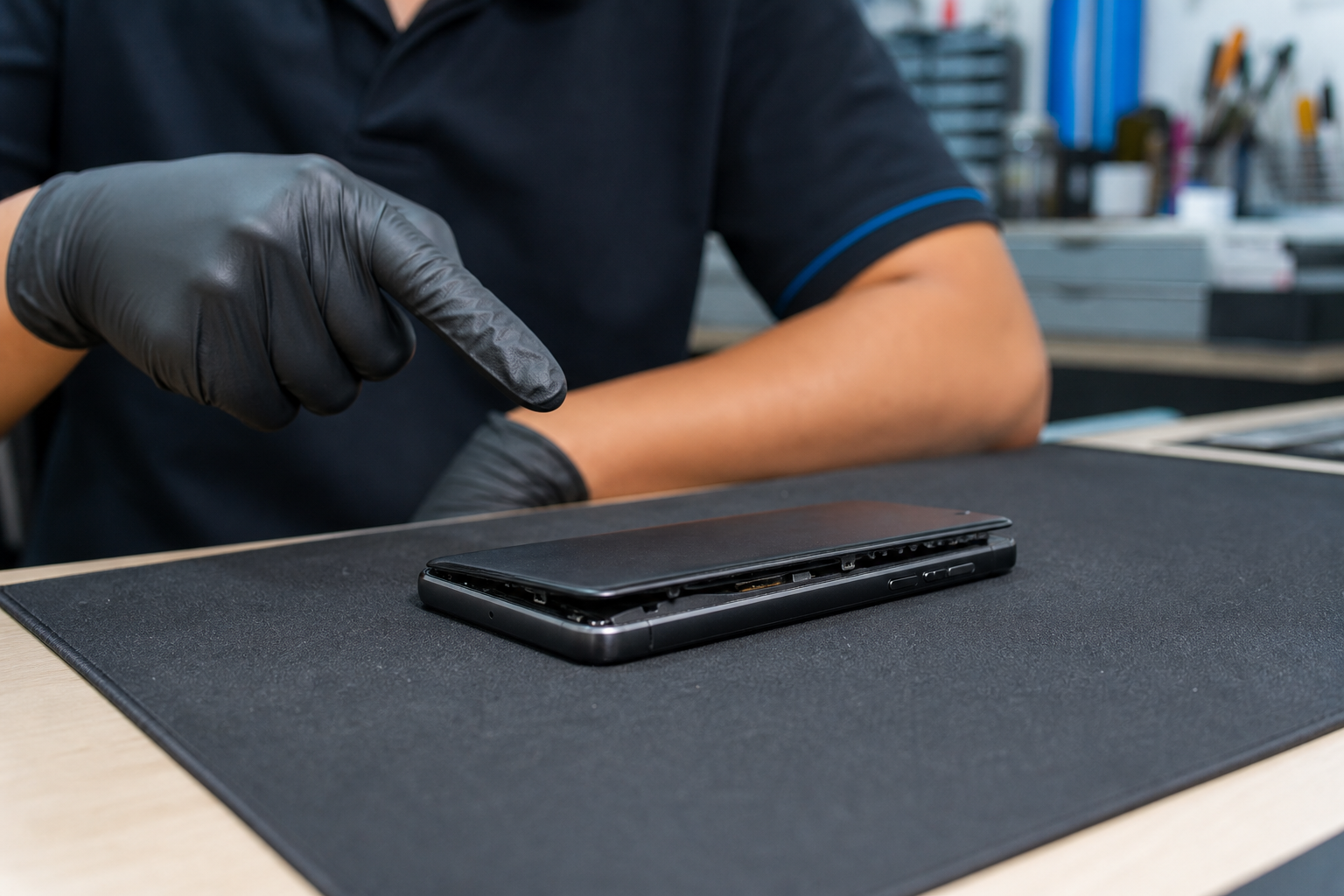
If the screen is lifting away from the frame, the back panel is bulging, or the phone rocks when you put it flat on a table, the cell is swelling. Stop charging it. A swollen lithium cell is a puncture and fire risk, the pressure will eventually crack the display from underneath, and the problem only gets worse with further charging. Do not attempt to press it back, and do not try to lever the cell out yourself — adhesive-mounted swollen cells are exactly the ones that rupture when forced.
What a good replacement involves
The technician opens the device, disconnects the old cell, releases the adhesive strips, seats the new battery and reseals. On a phone with a water-resistance rating, the seal should be replaced as part of the job — ask whether that is included, because a resealed phone without fresh adhesive is not water resistant any more, whatever the original rating said.
Cell quality matters as much as screen grade. A poor cell may report full health on day one and fall away sharply within months, and poor cells are the ones that swell. Ask what is being fitted and what the warranty period is.
Making the next one last longer
Heat is the main enemy. Charging under a pillow, leaving the phone on a car dashboard, or gaming while charging inside a thick case all shorten cell life measurably. Keeping the everyday charge roughly between 20% and 80% helps meaningfully, and most modern phones have an optimised or adaptive charging setting that handles this overnight without you thinking about it. Occasional full charges are harmless; permanently sitting at 100% in a hot room is not.
One more thing worth knowing: a battery replacement is usually the cheapest repair available and often the one that most changes how a phone feels to use. Before concluding an ageing phone needs replacing, it is worth finding out what it feels like with a new cell in it.
How to read these listings. PhonePuncakAlam is an independent directory. We publish only the details we could confirm from a shop’s own website, its official social page, or a mapping service — if a field is missing, it means we could not verify it, not that the shop lacks it. We are not an agent for any shop and we do not take a cut of any repair. Prices, turnaround times, parts grade and warranty terms are set by each shop, so please confirm them directly before you hand over your device.
Own one of these shops? Claim or correct your listing — it is free.
Frequently asked
What battery health percentage means I should replace it?
Below about 80% maximum capacity is the conventional threshold and the point at which most people notice. But replace it regardless of the number if you are getting shutdowns above zero — the reported figure is an estimate and can read higher than reality.
Is it safe to keep using a swollen battery?
No. Stop charging it and get it replaced promptly. A swollen cell can rupture and will crack the screen from the inside as it expands. Avoid pressing on the back or the display in the meantime.
Does fast charging damage the battery?
Fast charging generates more heat, and heat is what ages cells. Modern phones manage this actively and the effect over normal ownership is modest. Charging slowly overnight and using fast charging when you actually need it is a reasonable habit.
More repair guides
How to Choose a Phone Repair Shop in Malaysia: 9 Checks Before You Hand It Over
Independent phone repair in Malaysia is largely unregulated. Anyone can rent a lot, buy a heat gun and open. These are t…
Read the guideOriginal, OEM or Copy? Phone Screen Grades in Malaysia Explained
Two shops on the same street quote very different prices for the same screen replacement. Nine times out of ten, the pan…
Read the guidePhone Fell in Water? What to Do in the First 30 Minutes
What you do in the first half hour matters more than anything a repair shop can do afterwards. Most of the damage is not…
Read the guideNeed this fixed today?
Compare 27 verified repair shops in Puncak Alam, Shah Alam, Setia Alam, Sungai Buloh and Klang.
Browse repair shops