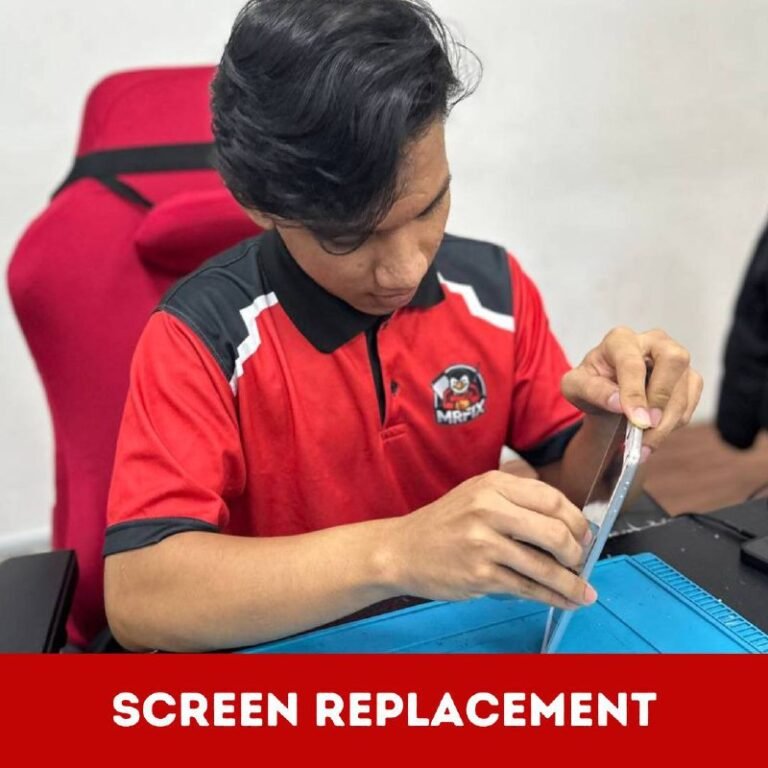
People searching for iPhone 13 battery replacement in Puncak Alam often want a price immediately, but the more useful first step is to describe the device accurately. Fast drain, sudden shutdown, unstable charging and physical swelling can require different checks. This independent directory guide provides a provider-comparison checklist before any repair is authorised.
Describe the problem with evidence
Record when the battery percentage falls, which apps were active and whether the phone was on Wi-Fi or mobile data. Note unexpected shutdowns, percentage changes after restart and unusual heat during light use. A Battery Health screenshot and battery-usage screenshot may support initial screening, although neither replaces inspection.
Separate battery life from charging behaviour
A phone that charges slowly or disconnects repeatedly may appear to have poor battery life because it never receives a stable charge. Tell the provider if the cable feels loose, charging works only at an angle or the symptom changes with another suitable accessory. Do not insert metal objects into the port or force a connector.
Treat swelling as a safety concern
A lifting display, widened frame gap or device that no longer lies flat can indicate a swollen battery. Do not press the screen down, puncture the battery or keep charging it. Switch the device off when safe and ask a repair provider for handling guidance and a physical assessment.
Compare the diagnosis, not only the quoted number
Ask each provider what evidence supports the proposed battery replacement and whether another issue should be checked. Confirm the exact model, proposed part grade, current stock and total price. A low initial quote is not meaningful if the component, labour scope or after-service terms are unclear.
Confirm process and warranty terms
Before handing over the phone, ask about the estimated completion time, basic testing after installation and written warranty terms. Find out what the warranty includes and excludes. Back up important data if the phone is usable, remove unnecessary accessories and tell the provider about previous repair, impact or liquid exposure.
Check the phone before leaving
Review charging, basic touch response, cameras, speakers, buttons and network connection with the provider. Look at the frame and screen fit. If a problem is noticed, raise it immediately while the repair history and test conditions are still clear.
Use the same questions for every provider
A fair comparison is easier when every shop receives the same information. Provide the iPhone model, Battery Health reading, main symptom, charging behaviour and relevant repair history. Ask the same questions about diagnosis, part grade, total cost, timing and warranty. This prevents one brief quotation from being compared with another quotation that includes a wider scope of work.
Keep a record of the agreed scope
Before authorising repair, record the provider name, device condition, agreed component, quoted total, estimated collection time and warranty explanation. Take photographs of the exterior if appropriate. This is not a substitute for the provider’s formal documents, but it helps both sides remember what was discussed and which visible marks already existed.
Do not ignore other power symptoms
Tell the provider if the phone also restarts, fails to charge, loses signal, becomes unusually hot or was recently exposed to liquid. A battery replacement may not resolve a separate charging or board-related fault. A careful provider should explain what was checked and what remains uncertain before work begins.
Local options around Puncak Alam and Shah Alam
PhonePuncakAlam is an independent Selangor phone-repair directory. One local option is MRFIX Puncak Alam at No. 3, Pusat Perdagangan Hillpark, 11/11A, Bandar Hill Park, Persiaran Hill Park, 42300 Puncak Alam; WhatsApp 019-860 0531. Users near Seksyen 7 may contact MRFIX Shah Alam at G-24, Jalan Plumbum X 7/X, Seksyen 7, 40000 Shah Alam; WhatsApp 013-910 0531.
Confirm diagnosis, part grade, stock, total price, repair time and warranty terms directly with the selected provider. This directory does not guarantee price, stock, diagnosis, repair time, workmanship, warranty or repair outcome.
Frequently asked questions
Can a Battery Health screenshot confirm the final repair?
No. It may assist screening, but the provider should assess the device condition and symptoms.
Should I buy a replacement battery first?
Confirm the exact model, suitable part grade and provider policy before purchasing any component.
Does every provider offer the same warranty?
No. Ask for the current written terms and exclusions before approving work.